Bible Chat Ads on Meta & the App Store
Bible Chat is running about 163 ads on Meta (Facebook and Instagram) as of Oct 23, 2026. It also ran App Store search ads in 12 EU countries in the last 90 days. Below are its longest-running ads. Advertisers rarely keep an ad live this long unless it works.
See Bible Chat's onboarding →Ads Bible Chat runs on Meta (Facebook / Instagram) and the App Store. Open a Meta card to see the ad copy and why it likely works.
Meta (Facebook / Instagram)
Active ads
~163#19 of 50 apps on Onbo Hub
As of Oct 23, 2026 · Meta Ad Library · This is the number of ads, not ad spend.
Ad Strategy
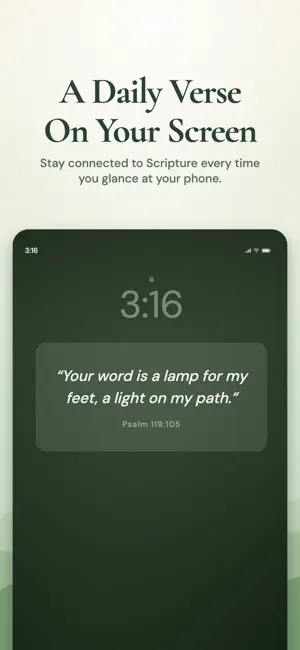
Runs mainly from the "Bible Chat - General" page, in English, Spanish and Portuguese. Many ads show the lock-screen Bible verse widget in 10–15 second meme-style videos.
Recently launched ads
Running for under 30 days, so it's too early to tell if they work.
Apple Ads (App Store)
Countries where ads ran (EU)
12 countriesof 25 in the EU
- AT
- BE
- BG
- DE
- DK
- EE
- FI
- FR
- LU
- NL
- PL
- RO
Last shown Oct 19, 2026 · 446 ad records in the last 90 days (counted per country and format)
How the ad looks

Bible Chat: The Holy Scripture
Prayers.Devotionals.Verses
Ad

Apple only publishes ads shown in the EU, so US and Japan ads, keywords and spend aren't included. Source: Apple Ad Repository

Bible Chat
A Christian app that delivers Scripture every day through AI chat and home screen and lock screen widgets. Released in 2023, with over 360K ratings. How-to videos about putting a Bible verse on your lock screen are spreading on TikTok.
UX Highlights
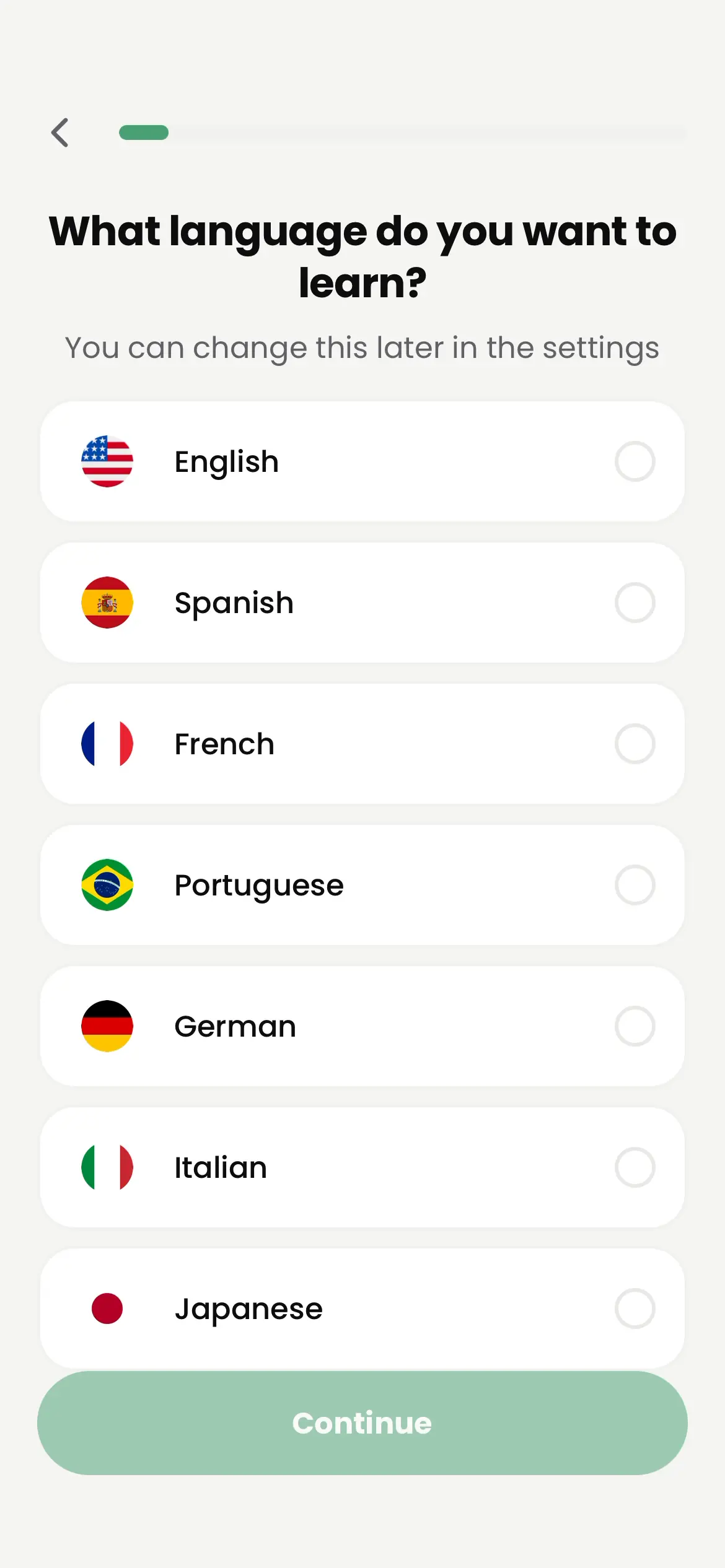
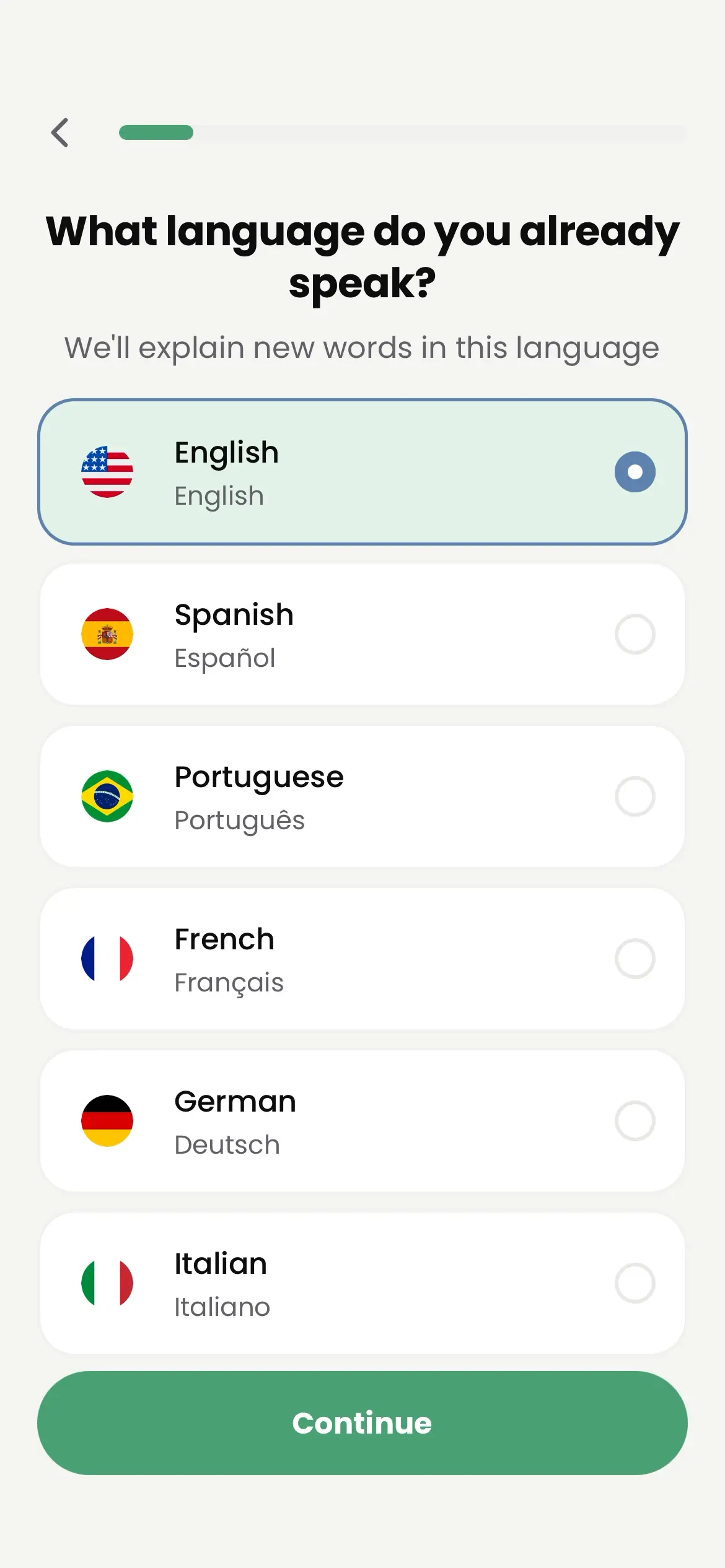
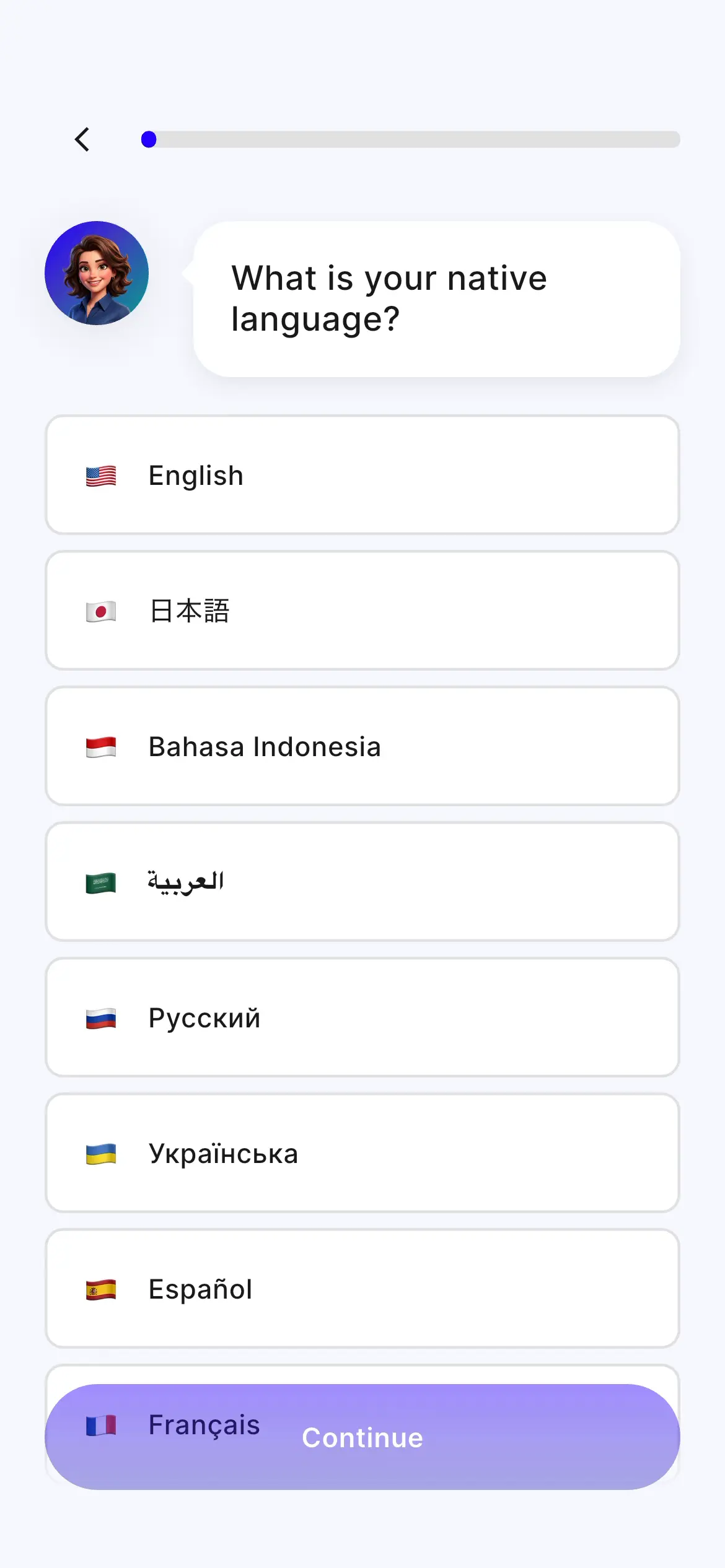
Onboarding is about 20 screens and has users sign in right at the start. It asks about denomination, Bible version, age and struggles, with a free-text question about struggles as well. Midway it shows how to add the home screen widget, and it inserts Yes/No confirmation questions during the analysis loading before presenting a plan tailored to the answers.
Monetization
Two options: a weekly plan with a 7-day free trial and a yearly plan (SAVE 85%), with the trial selected by default through a "try for free" toggle that is switched on. Before the paywall, it shows a "7 days free" screen and a "reminder 2 days before the trial ends" screen. It's a soft paywall: users can enter the app without purchasing.
You May Also Like
Popular apps in Education